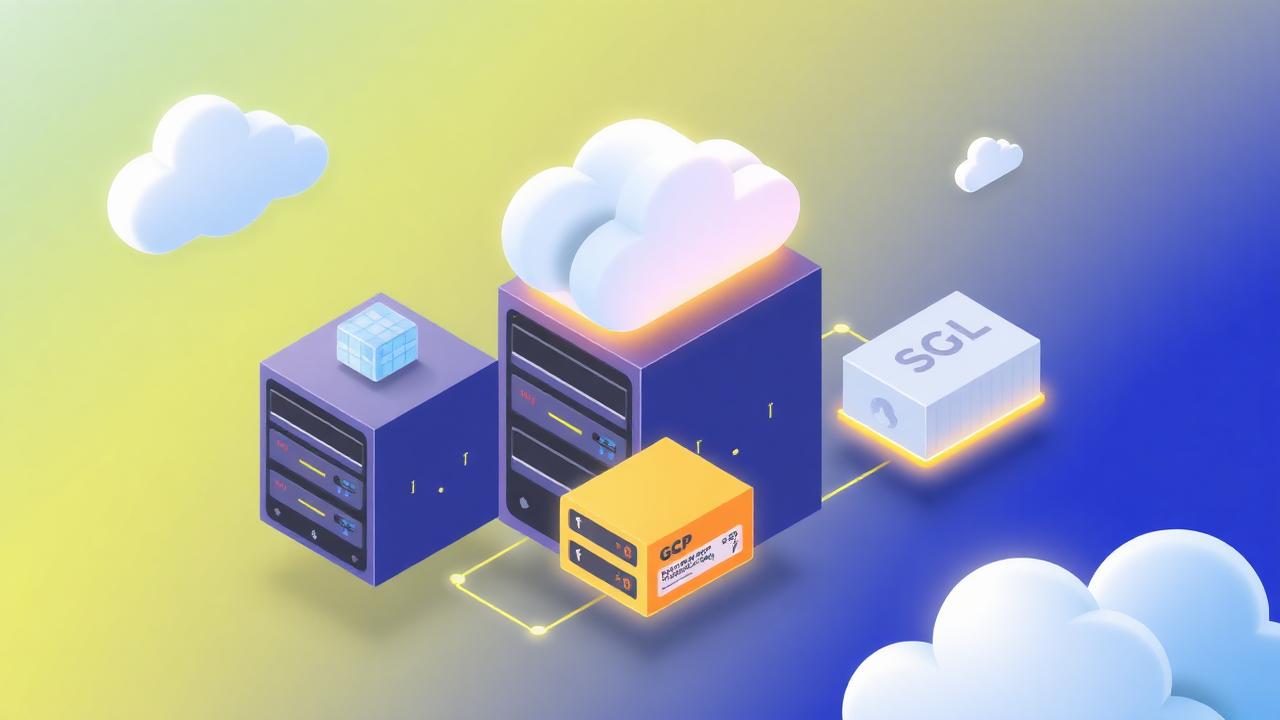
Cloud Run + Cloud SQL: The Boring Blueprint That Runs Half My Production Systems
A complete production blueprint for Cloud Run + Cloud SQL on GCP — connection pooling, IAM, secrets, migrations, blue/green deploys, cost control, and the failure modes to prevent before they hit.

For 90% of small-to-mid production workloads on GCP, Cloud Run + Cloud SQL (Postgres) is the right default. It's cheap, boring, scales to zero, and integrates cleanly with IAM. This blueprint covers the exact Terraform, the connection-pooling pattern that avoids Cloud SQL's connection storms, secret handling via Secret Manager, migration strategy with sqitch or Alembic, blue/green deploys with revisions, observability via Cloud Logging + Managed Prometheus, and the six failure modes that trip up teams in year one.
- Cloud Run + Cloud SQL is the boring default for GCP workloads under ~1k RPS.
- Use the Cloud SQL Auth Proxy sidecar; never expose Cloud SQL publicly.
- Pool connections in the app; Cloud SQL max_connections is the real limit.
- Store secrets in Secret Manager, mount as env vars via Cloud Run — never bake into images.
- Deploy via revisions with tagged traffic splits for safe blue/green.
- Set min-instances only where cold starts matter; scale-to-zero is a superpower for cost.
- Enable Query Insights and pg_stat_statements; every slow query eventually will be.
When this blueprint fits
Cloud Run + Cloud SQL is the right choice when all of these are true:
- Your workload is stateless HTTP or event-driven, not long-lived (>60 min) jobs.
- You need Postgres or MySQL semantics, not a NoSQL data model.
- Your peak RPS is under a few thousand — beyond that, GKE + Cloud Spanner or AlloyDB may win.
- You want to scale to zero on nights/weekends to save money.
If any of those don't hold, consider GKE Autopilot, Cloud Functions, or AlloyDB. This article is the boring default, not a universal answer.
The topology
| Component | Choice | Why |
|---|---|---|
| Compute | Cloud Run (fully managed) | Zero infra, per-request billing, autoscaling |
| Database | Cloud SQL for Postgres 16 | Managed backups, PITR, HA, IAM auth |
| Connection | Cloud SQL Auth Proxy (sidecar) | IAM-authenticated, encrypted, no public IP |
| Secrets | Secret Manager | Rotate without redeploys, audit log |
| CI/CD | Cloud Build + Artifact Registry | Native GCP integration |
| IaC | Terraform (google + google-beta) | Reproducible, reviewable |
| Observability | Cloud Logging + Managed Prometheus + Cloud Trace | One-click SLO dashboards |
Terraform: the minimum viable stack
resource "google_sql_database_instance" "main" {
  name             = "prod-db"
  database_version = "POSTGRES_16"
  region           = "europe-west1"

  settings {
    tier              = "db-custom-2-7680"
    availability_type = "REGIONAL"   # HA
    disk_autoresize   = true
    backup_configuration {
      enabled                        = true
      point_in_time_recovery_enabled = true
      transaction_log_retention_days = 7
    }
    ip_configuration {
      ipv4_enabled = false           # private only
      private_network = google_compute_network.vpc.id
    }
    database_flags {
      name  = "cloudsql.iam_authentication"
      value = "on"
    }
  }
  deletion_protection = true
}

resource "google_cloud_run_v2_service" "app" {
  name     = "app"
  location = "europe-west1"

  template {
    scaling { min_instance_count = 0; max_instance_count = 20 }
    service_account = google_service_account.app.email

    containers {
      image = "europe-west1-docker.pkg.dev/PROJECT/app/app:${var.image_tag}"
      resources { limits = { cpu = "1"; memory = "512Mi" } }

      env { name = "DATABASE_URL"; value_source {
        secret_key_ref { secret = "database-url"; version = "latest" }
      }}
    }

    containers {
      name  = "cloudsql-proxy"
      image = "gcr.io/cloud-sql-connectors/cloud-sql-proxy:2.11.4"
      args  = ["--structured-logs", "--private-ip", google_sql_database_instance.main.connection_name]
    }
  }
}
Connection pooling — the mistake that scales to zero and then dies
Cloud SQL's max_connections is fixed by tier. A db-custom-2-7680 gives you ~100 connections. Cloud Run can spin up 100 instances in seconds, each opening a pool of 10 connections. Math: you're down.
Two-layer pooling is the fix:
- In-app pool sized to
ceil(max_connections / max_instances)— usually 2–5. - PgBouncer in transaction mode in front of Cloud SQL, either as a sidecar or a dedicated Cloud Run service.
pool_mode = session. See Postgres for product engineers for the deep dive.Secrets: Secret Manager, not env files
Never bake secrets into container images. Never commit them to Git. Store them in Secret Manager and reference by secret_key_ref — Cloud Run fetches at container start.
Rotate rules:
- Rotate DB passwords quarterly; automate via Cloud Scheduler → Cloud Function.
- Version secrets —
latestis convenient but pin toversion = "3"for change control on critical services. - Grant
roles/secretmanager.secretAccessorat the secret level, never project-wide.
Migrations without downtime
Never run migrations at container start — you'll have N containers racing. Two patterns work:
- Migration job: Cloud Run Jobs task with
alembic upgrade head, run before deploy. Fails deploy on error. - Sqitch / Flyway in CI/CD before
gcloud run deploy.
For expand-contract migrations (add column → backfill → switch reads → drop old column), split across multiple deploys. Never combine schema change and code change in one PR.
Blue/green deploys via revisions
# Deploy new revision, keep 0% traffic
gcloud run deploy app --image=... --no-traffic --tag=candidate

# Smoke test against candidate URL
curl https://candidate---app-xyz.a.run.app/health

# Route 10% → 100%
gcloud run services update-traffic app --to-tags=candidate=10
gcloud run services update-traffic app --to-tags=candidate=100

# Rollback if needed
gcloud run services update-traffic app --to-revisions=app-prev=100
Cost control that scales
- Set
min-instances=0on all non-latency-critical services. - Use
--cpu-boostonly for cold-start-sensitive endpoints. - Cloud SQL: rightsize with Recommender; downgrade tier if CPU < 40% for 30 days.
- Turn on Cloud SQL Query Insights; the top 3 slow queries usually account for >50% of DB CPU.
- Enable Cloud Run CPU always allocated only for background work; otherwise you pay for idle.
Full cost playbook in BigQuery cost control that scales.
Observability the day-one team ignores
- Ship structured JSON logs — Cloud Logging parses
severity,trace,messageautomatically. - Emit OpenTelemetry traces to Cloud Trace; correlate DB, LLM, and HTTP spans.
- Managed Prometheus for RED metrics (rate, errors, duration).
- Uptime checks + SLO burn-rate alerts, not raw error alerts.
Deep patterns in observability for AI systems.
Six failure modes to prevent
| Failure | Prevention |
|---|---|
| Connection storm on cold start | PgBouncer + small in-app pool |
| Migrations racing across N instances | Migration job before deploy |
| Secret rotated, app crashes | Pin secret version on critical services |
| Cloud SQL disk full at 3am | Enable disk autoresize + alert at 80% |
| Cold start latency in checkout | min-instances=1 on that service only |
| Public IP left on for 'debugging' | Deletion-protected private IP config in Terraform |
When to graduate
You've outgrown this blueprint when: sustained RPS exceeds a few thousand, you need multi-region active/active, or your DB working set exceeds ~500GB with hot access. Graduate to GKE Autopilot + AlloyDB or Spanner, and read modern data stack in 2026 to reason about where analytics data goes next.
Building something similar?
I help teams ship production-grade AI agents, n8n workflows, and data platforms. Let's talk about what you're building.
Work with meIslam Gamal
AI, Data & Automation Engineer. I design and ship production AI agents, n8n workflows, and cloud data platforms — with a focus on reliability, cost, and measurable business impact. Founder of Tashghil and Tek bil Arabi.
More from Islam Gamal
Postgres for Product Engineers: Indexing, JSONB, RLS, and the 20% That Ships Millions of Users
The Postgres playbook I've used across product teams — index type per workload, JSONB without regret, RLS that doesn't leak or crawl, connection pooling that survives spikes, and the observability that turns guessing into ground truth.
BigQuery Cost Control That Scales: 12 Patterns from Real Warehouses
Twelve battle-tested patterns to cut BigQuery spend 30–70% without touching data quality — partitioning, clustering, materialized views, reservations, and the FinOps loop that keeps savings from decaying.
Observability for AI Systems: Traces, Prompts, Tokens, and the SLOs That Actually Matter
A 30-minute production guide to instrumenting LLM applications — what to log (and what never to), how to trace agent calls end-to-end, the four golden signals for AI, drift detection on outputs, and the dashboards you actually check at 2 a.m.
Browse every article by Islam Gamal on the author page.